
Download Floating Stickies APK – floating notes, sticky notes, Android app, note-taking app, free note app, on-screen notes, quick notes, personal notes, digital sticky notes, mobile productivity
Overview
Floating Stickies is a lightweight, free Android application designed to simplify the note-taking process for users seeking quick and accessible ways to capture thoughts, reminders, and ideas. Developed by Mohammad Adib, the app enables users to create and manage sticky notes that remain visible on top of other open applications, ensuring immediate access without switching contexts. This persistent visibility makes it ideal for multitasking environments, such as when working on documents, browsing the web, or using other productivity tools.
The app targets individuals who value efficiency and minimalism in their digital workflows, including students, professionals, and casual users who need to jot down information rapidly. Real-world use cases include tracking daily tasks, recording meeting ideas, setting temporary reminders, or capturing inspiration while using other apps. All notes are automatically saved, reducing the risk of data loss and supporting uninterrupted workflow. The app’s integration with the StandOut Library, credited to Mark Wei, enhances its functionality by enabling the floating interface.
While the developer did not provide additional system requirements, the app’s small file size of 1.7 MB suggests low resource consumption. The release date of May 1, 2024, indicates it is a recent addition to the Android productivity landscape, aiming to meet growing demand for intuitive, on-screen note tools.
Key Features & Capabilities
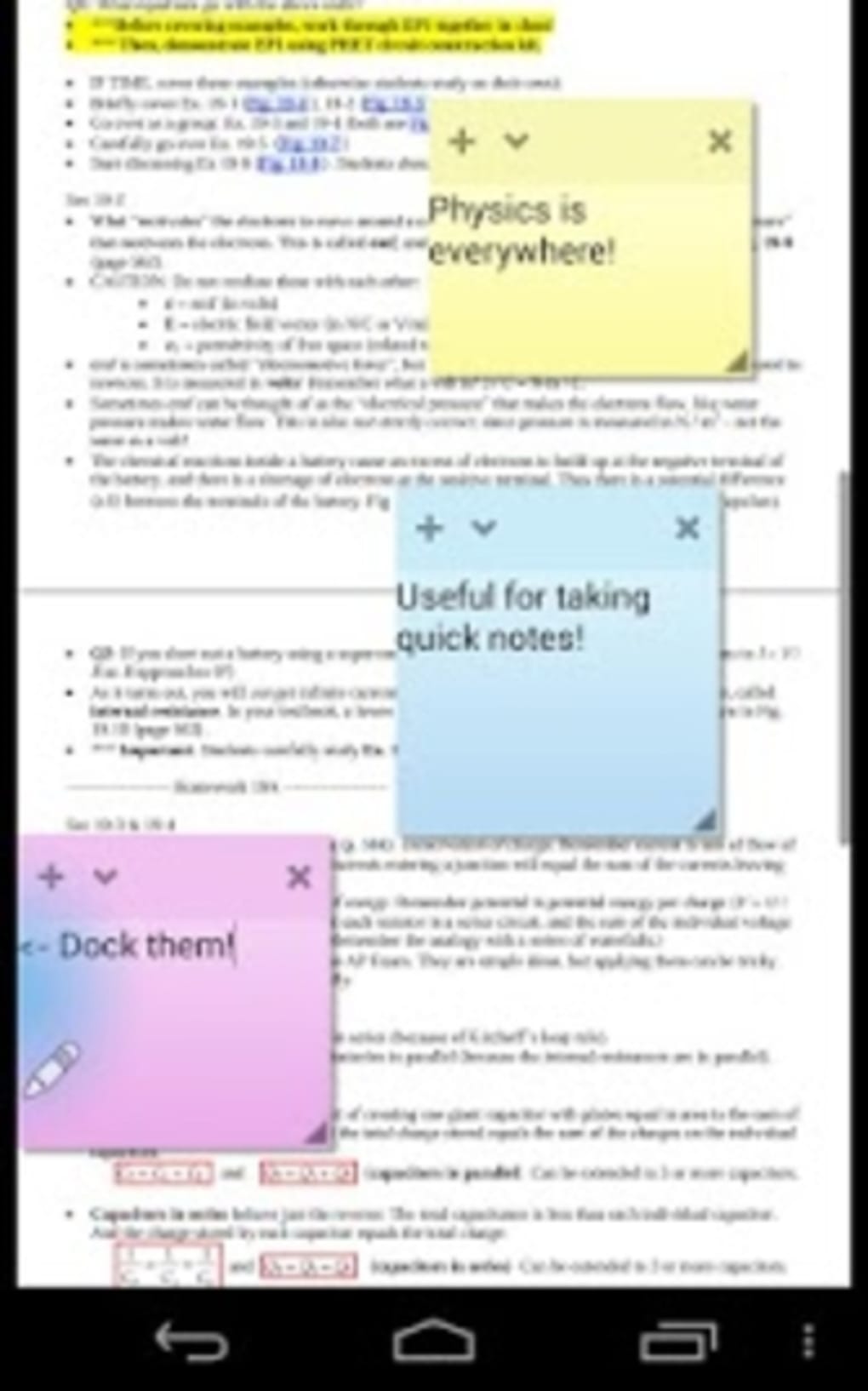
- Floating Note Interface: Notes appear as translucent, draggable sticky notes that stay on top of all other apps, allowing users to view and edit them without interruption.
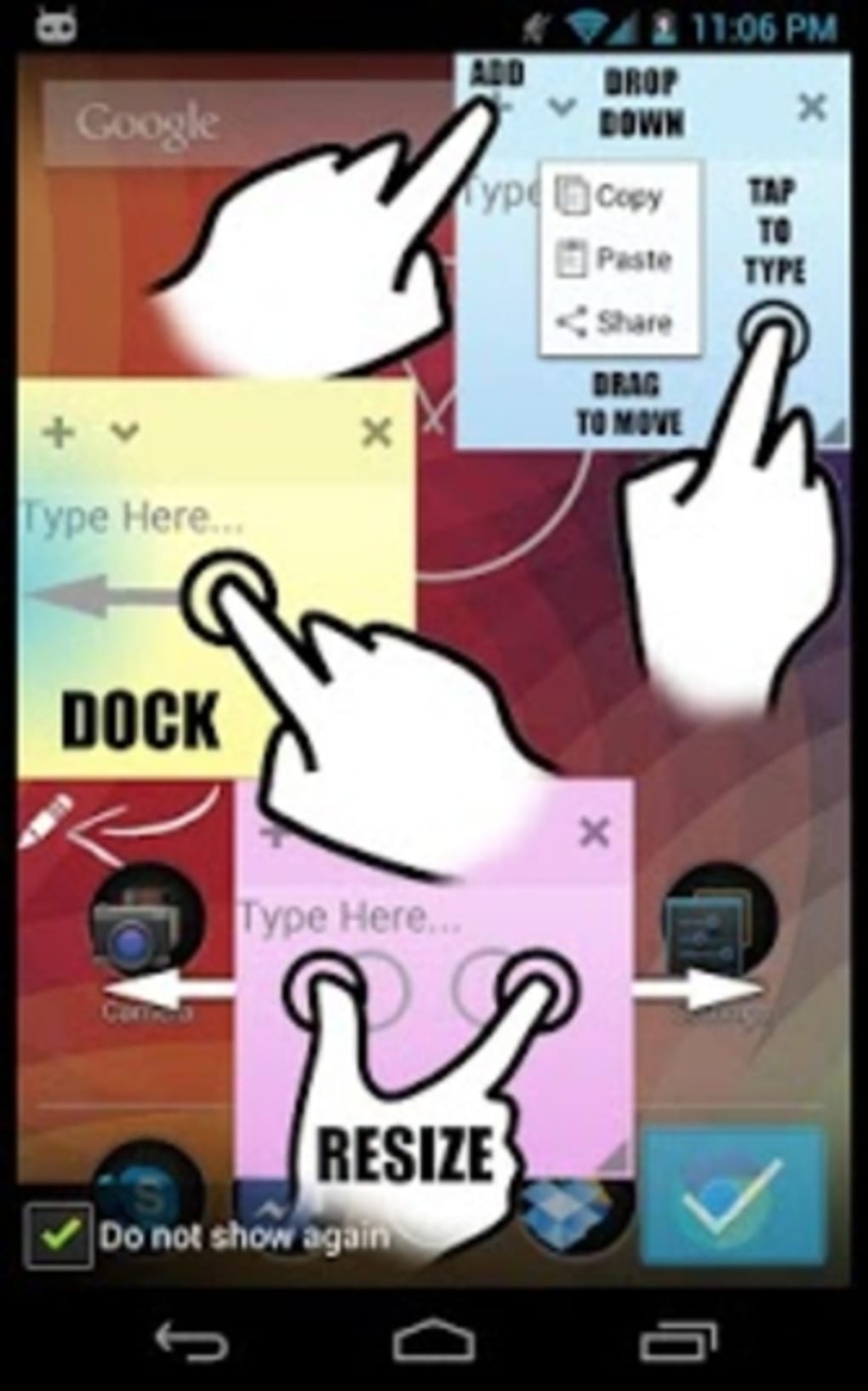
- Left-Side Docking: Notes can be pinned to the left edge of the screen, providing a consistent and unobtrusive placement for quick access during multitasking.
- Auto-Save Functionality: Every note is automatically saved in real time, ensuring no data is lost even if the app is closed unexpectedly.
- Unlimited Note Creation: Users can create an unlimited number of sticky notes, each with a customizable title for better organization.
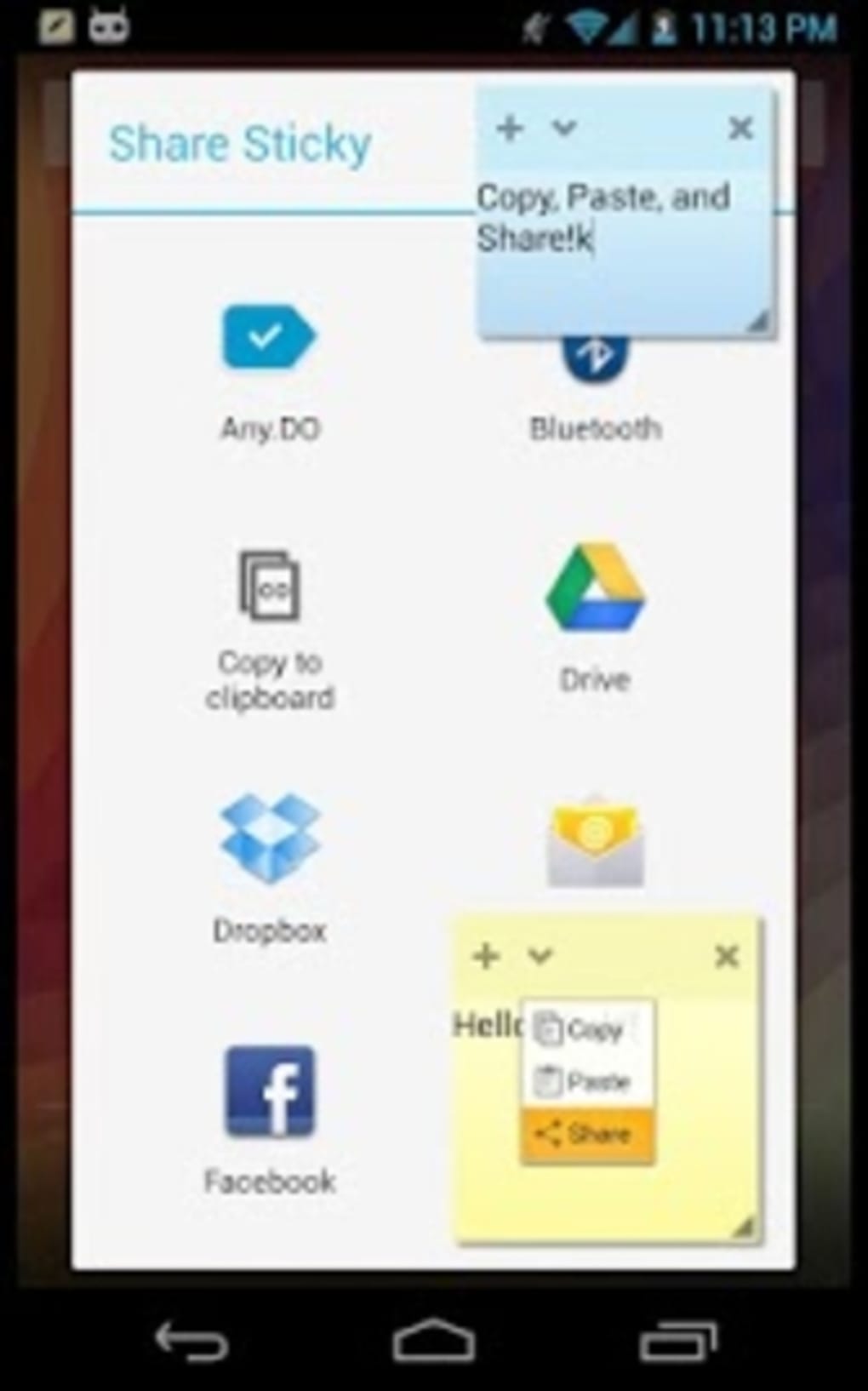
- Multi-Device Sync: Notes can be synchronized across devices, enabling seamless access from any Android device where the app is installed.
These features are particularly useful in scenarios such as tracking multiple projects, managing to-do lists during work hours, or capturing ideas while reading or watching videos. The floating interface eliminates the need to open a separate app, reducing workflow friction. The ability to sync notes ensures continuity across devices, making it suitable for users who switch between phones, tablets, or other Android devices. The auto-save feature adds a layer of reliability, ideal for users who rely on their notes for time-sensitive tasks.
User Interface, Workflow & Performance
Floating Stickies features a clean and minimal user interface focused on functionality and ease of use. The main screen displays all created sticky notes as floating windows that can be moved, resized, and closed with simple gestures. Navigation is intuitive, relying on tap and drag actions to interact with individual notes. The app does not require complex setup or configuration, allowing users to begin taking notes immediately after installation.
Workflow efficiency is enhanced by the persistent visibility of notes, which reduces context switching and supports continuous focus. The left-side docking option provides a dedicated zone for notes, minimizing screen clutter while maintaining accessibility. The developer did not specify resource usage details, but the app’s small size of 1.7 MB suggests it is optimized for performance on lower-end devices. General software behavior patterns indicate that lightweight apps like this typically consume minimal CPU and RAM, though actual performance may vary based on device hardware and concurrent app usage.
Stability is likely maintained through the use of the StandOut Library, which provides a reliable foundation for floating windows. However, exact stability metrics or crash reports were not provided. Users should expect consistent behavior under normal conditions, though performance may be affected during high multitasking or on older devices.
Compatibility & System Requirements
Floating Stickies is designed for Android operating systems, making it accessible to a wide range of mobile users. The app’s version number is 1.0.3, indicating a stable initial release with potential for future updates. Installation requires 1.7 MB of storage space, which is minimal and suitable for devices with limited capacity.
Exact system requirements were not listed. Platform compatibility information is limited to Android, but no specific OS version (e.g., Android 6.0 or higher) was provided. The developer did not specify hardware requirements such as RAM or processor type. As a result, users should rely on general Android compatibility standards. The app is likely compatible with most modern Android devices, though performance on older or low-end models may vary without official confirmation.
Pros and Cons
Pros
- Floating notes remain visible on top of all other apps for instant access.
- Left-side docking offers a consistent and organized placement.
- Auto-save ensures no note is lost during unexpected closures.
- Unlimited note creation supports extensive use cases.
- Multi-device synchronization enables seamless access across devices.
Cons
- No information was provided about minimum OS version or hardware requirements.
- Exact performance and resource usage details were not specified.
- Limited customization options for note appearance or layout.
- Sync functionality may depend on a stable internet connection.
- App lacks advanced features like reminders, formatting, or voice notes.
FAQ Section
Is Floating Stickies available for iOS devices?
Floating Stickies is currently only available for Android. There is no official version for iOS devices.
Can I use Floating Stickies without an internet connection?
Yes, the app functions offline. Notes can be created, edited, and viewed without internet access. However, syncing notes across devices requires an active internet connection.
Is the app safe to download and use?
Floating Stickies is a free app developed by Mohammad Adib. It does not require excessive permissions and is designed to be secure for personal note-taking. As with any app, users should download it from trusted sources.
How often does the app update?
The app was released on May 1, 2024, and the current version is 1.0.3. Update frequency is not specified, but developers typically release updates to fix bugs and improve functionality.
What type of license does Floating Stickies have?
Floating Stickies is free to download and use. The app does not include in-app purchases or subscription models. It is distributed under a free license with no cost to users.
Final Thoughts + CTA
Floating Stickies offers a refreshingly simple and effective solution for users who need quick, persistent access to their notes. Its floating interface, auto-save feature, and cross-device sync make it a valuable tool for enhancing personal productivity on Android. While it lacks advanced features like formatting or reminders, its core functionality is well-executed and reliable.
It is particularly beneficial for students, remote workers, and anyone who frequently juggles multiple tasks and needs to capture ideas on the fly. The minimal design and low resource footprint ensure it runs smoothly on a variety of devices.
For those seeking a lightweight, no-frills note-taking app with on-screen visibility and seamless sync, Floating Stickies delivers on its promise. Download Floating Stickies now.





.png)

